

Build your first app
See how an app idea becomes a first build, then learn how to describe the features you want.
Build a Mobile App With AI in Minutes | Newly 2.0 DemoApp prompting guide

Newly video tutorials
Video tutorials, product walkthroughs, and customer stories for building native iOS and Android apps with Newly. Explore app design, backends, subscriptions, and publishing, with written guides for each step.
Visit the Newly YouTube channelLatest videos
Shorts
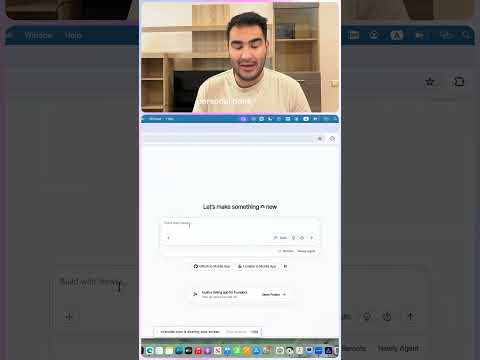
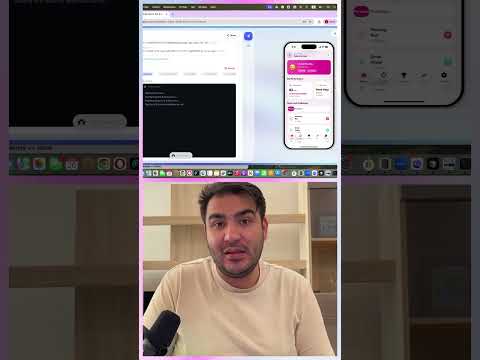
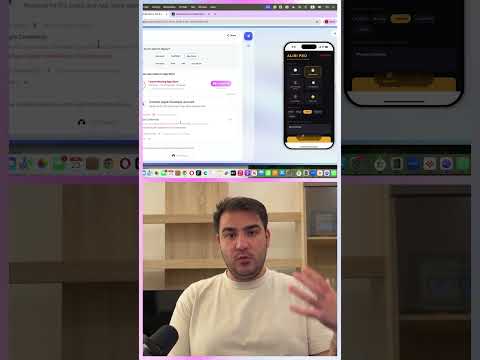
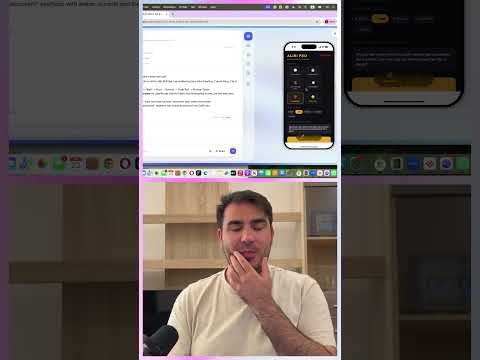
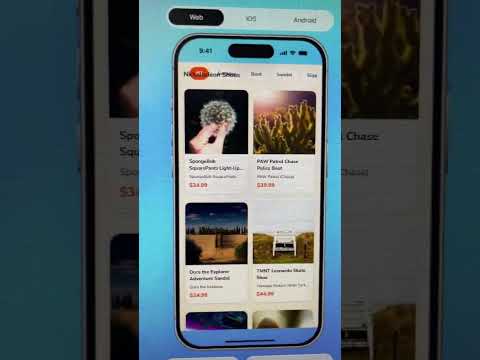
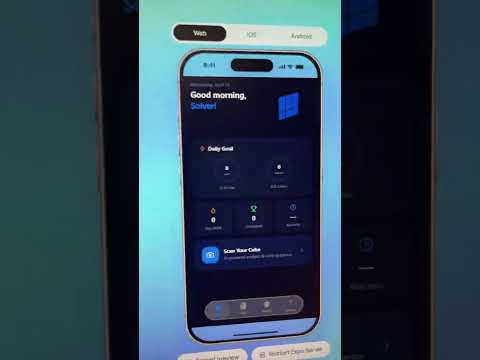
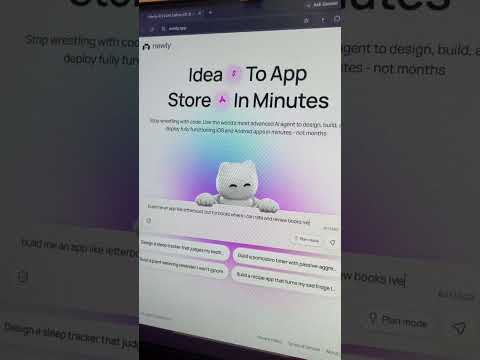
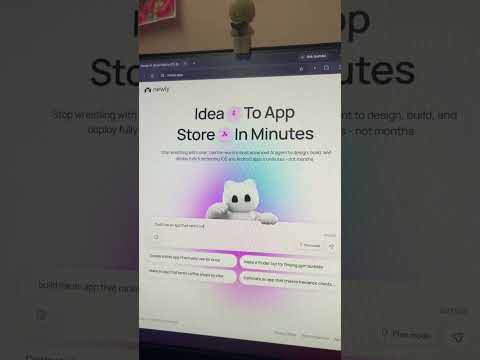
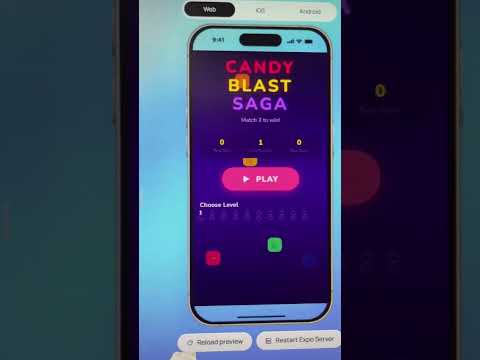
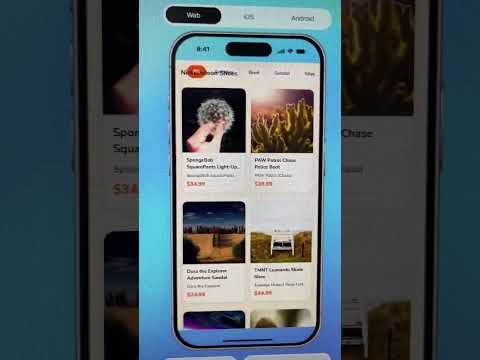
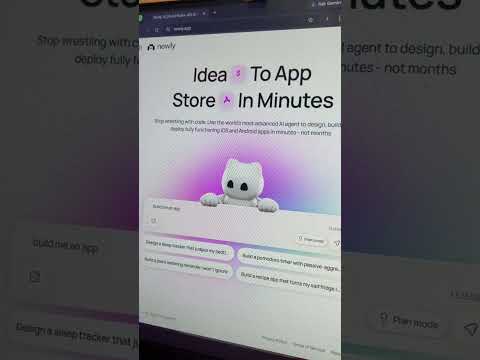
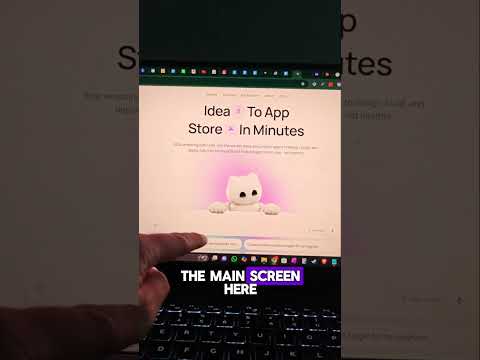
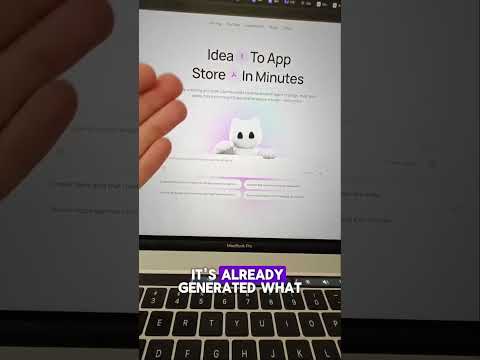
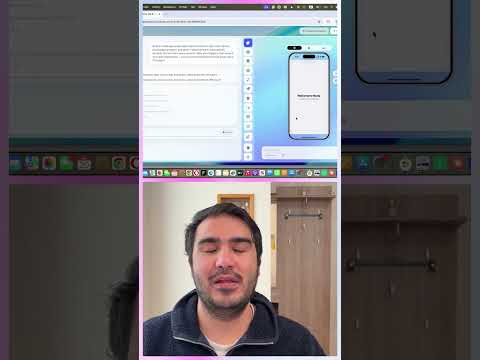
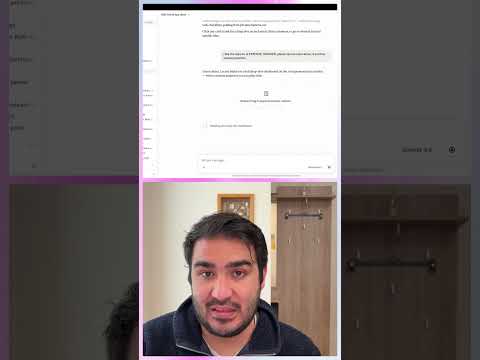
Bite-sized vertical videos: feature demos, build-in-public moments, and product tips.




















Learn by topic
Pick the next step for your app. Each topic pairs a video walkthrough with a written guide you can follow at your own pace.
See how an app idea becomes a first build, then learn how to describe the features you want.
Build a Mobile App With AI in Minutes | Newly 2.0 DemoApp prompting guideWatch a UI walkthrough and learn the basics of layout, navigation, and visual hierarchy.
Build BEAUTIFUL AI Apps in Minutes 🤯 | Copy Any UI Design with Newly + SupabaseMobile app design basicsExplore a Supabase walkthrough, then plan where your app stores data and calls external services.
How to Add AI API Keys to Supabase (Step-by-Step) | Build an AI App with Newly + OpenRouterBackend and database guideSee a RevenueCat paywall walkthrough and follow the written guide for products, entitlements, and purchase testing.
How to Build a Subscription App with AI (and Start Making Money) | Add RevenueCat Paywall in MinutesBuild a subscription appWatch an APK and TestFlight walkthrough, then work through developer accounts, testing, and store submission.
How to Build an AI Mobile App with Newly (APK + TestFlight Tutorial)App Store submission guideHear Newly users explain what they built and read the customer stories behind their apps.
How Non-Developers Built Mobile Apps Without Code (Newly Showcase)Read customer storiesVideos show Newly at the time of recording. Use the written guides alongside the videos when the interface or workflow has changed.
Yes. Newly builds native iOS and Android apps from prompts. Start by describing one useful flow, preview the result, and test it before adding more features.
How building with Newly worksBuild the useful free experience first, then connect RevenueCat, map your store products to an entitlement, and test purchase and restore behavior in a native build.
Follow the subscription walkthroughPrepare and test a native build, set up your developer accounts, complete the store listing, and submit it for review. Use the publishing guide for the App Store and the closed-testing guide when preparing an Android release.
Google Play closed-testing guideVideos show the product at the time they were recorded. Check the linked written guide and product documentation when the interface or workflow differs from what you see in Newly.
Open Newly documentationVideos
Explore tutorials, walkthroughs, and build-in-public videos from the official Newly channel.

A step-by-step tutorial on building an AI-powered app with Newly and Supabase: creating a Daily Workout Advisor app, connecting Supabase as the backend, securely storing API keys with Supabase Secrets, and integrating an AI chatbot powered by OpenRouter (Gemini 2.0 Flash, GPT-4o Mini).

Building two complete mobile apps with AI: using Pinterest for UI design inspiration, connecting a Supabase backend, and polishing the layout with Newly's Visual Editor before publishing to the App Store and Google Play.

A complete walkthrough of building an AI mobile app with Newly and deploying it to Android and iPhone: generating the UI from a prompt, fixing design issues, deploying the backend, exporting an Android APK, installing it on a real device, and preparing the app for TestFlight and app store submission.

Building an AI-powered Professional Excuse Generator app with Newly, then switching the backend to Supabase: setting up the database, saving generated content, testing the app, and preparing App Store and Play Store screenshots.


